14
Claude Cowork: When AI No Longer Waits for Your Step-by-Step Commands
Claude Cowork lets you hand over an entire workflow to AI — no coding required, no need to issue step-by-step instructions.
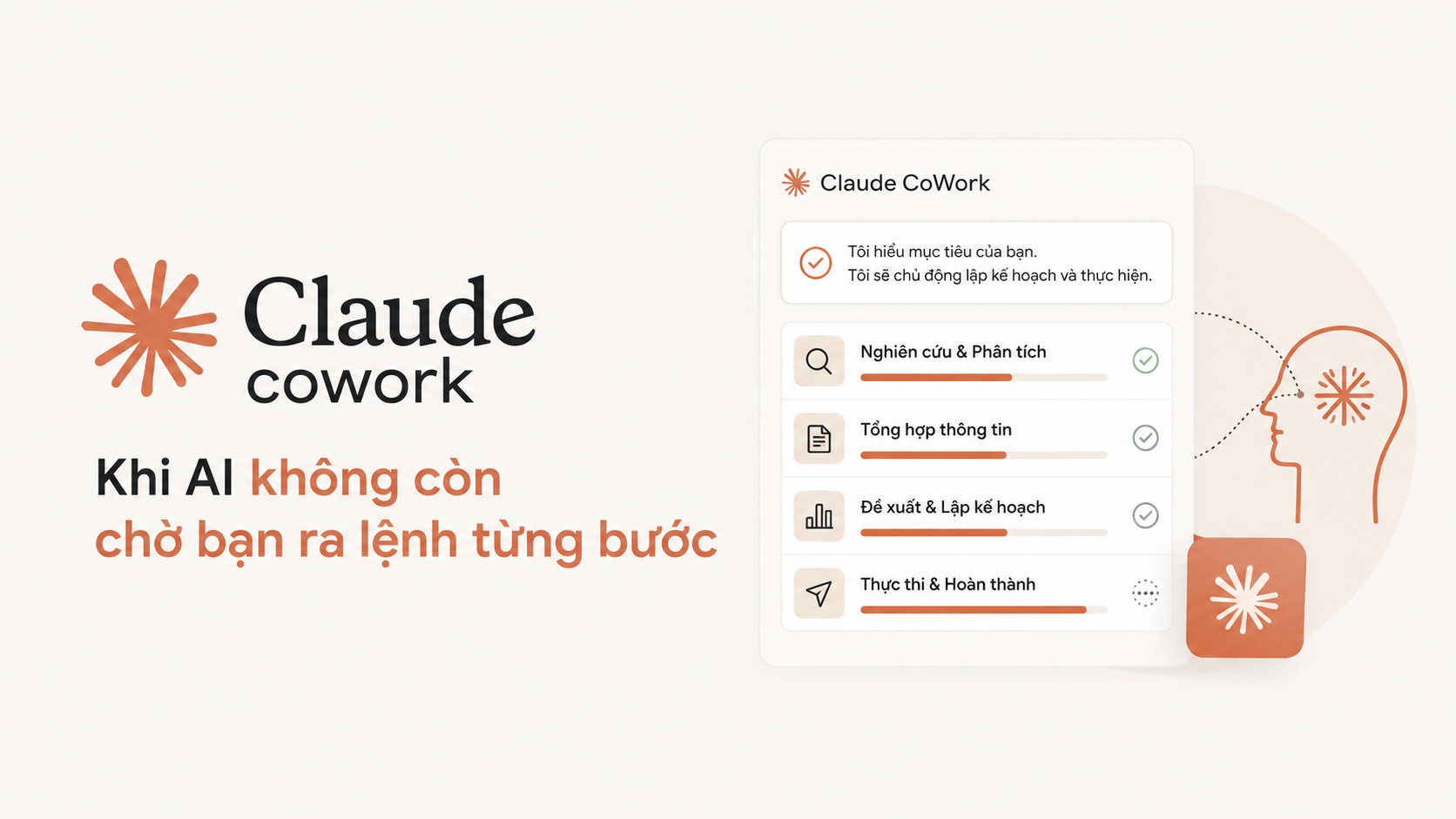
AI Assistant or AI Employee?
For years, the most common way to work with AI has been to ask – and receive an answer. You ask Claude how to write an email, it offers suggestions. You paste in data, it analyses it. You ask a follow-up, it explains further. This model is useful, but it has a clear limitation: the AI remains merely a respondent, while you still have to be the doer.
Claude Cowork sets a different expectation: instead of you orchestrating every step, you simply describe the outcome you want to achieve – and Cowork handles the rest.
This is not a minor improvement. This is a shift in the interaction model.
What is Claude Cowork?
Claude Cowork is Anthropic's agentic AI tool, integrated directly into the Claude desktop application. The core difference from standard Claude chat: Cowork can read, edit, and create files directly on your computer, move between multiple applications, synthesise information from various sources, and complete an entire complex workflow – all from a single command.
Anthropic developed Cowork after noticing an interesting phenomenon: non-technical teams within the company – marketing, finance, operations – were bypassing Claude chat to use Claude Code, a tool originally designed for programmers. The reason? They needed an AI that could actually work, not just advise. Cowork is the answer: the same powerful agentic architecture, but with a more user-friendly interface for those who do not use a terminal.
A Real-World Example: One Morning Before an Important Meeting
Consider the following scenario – not uncommon in any company:
You have 10 Excel files from 10 branches in the
/sales_reportsfolder. Your boss needs a Q2 report highlighting the top 3 best-performing branches, key risk points, and a presentation slide – before 9:00 AM.
With standard Claude chat:
You must upload each file (or manually copy the data), ask Claude to analyse it, receive text-based results, open PowerPoint yourself, create each slide manually, then go back to ask for adjustments if needed... Each step is a loop of ask–receive–do.
Actual time: 45–60 minutes.
With Claude Cowork:
You open the desktop application, point Cowork to the /sales_reports folder, and type a single command:
"Compile Q2 data from all files in this folder. Highlight the top 3 best-performing branches, identify points of concern, and export a PowerPoint file for my 9:00 AM presentation."
Cowork will read all 10 Excel files, compile and compare the data, automatically identify the top 3 branches based on growth criteria, detect noteworthy anomalies, create a PowerPoint file with a clear layout, and then ask for your confirmation before making any significant changes.
Actual time: 3–5 minutes of waiting, then you review the results.
This is not an AI that is better at answering questions. This is an AI that has done a tangible part of your work for you.
Comparison with Claude Code CLI: Who Is It For?
A natural question from those who have already used Claude Code: "I can do the same thing from the terminal. What's different about Cowork?"
The honest answer: in terms of technical capability, Claude Code CLI is either more powerful or equivalent. You point Claude Code at a folder, give it a command in natural language, it writes code, runs scripts, processes files, and returns results – it could absolutely create the PowerPoint report mentioned above.
So why is Cowork needed?
Simply put: if you are already comfortable using the terminal and Claude Code, carry on – you do not need Cowork. Cowork is designed to bring that capability to others in your organisation – those who never open a terminal.
Who Should Use Claude Cowork?
Anthropic acknowledges that the majority of Cowork users are not technical. This is a tool for those who work primarily with documents, data and files every day – and who want to spend their time on critical judgement rather than manual assembly.
Researchers and analysts: people who handle numerous documents and reports from multiple sources – needing to synthesise quickly without manual effort.
Marketing and communications teams: those who need to draft content, compile briefs, and update presentation decks from multiple source files.
Finance and accounting: those who work regularly with Excel, requiring comparison, analysis and periodic report generation.
Legal and administrative staff: those who process large volumes of text documents, needing to extract, classify and summarise information.
Management and operations: those who need an overview from multiple data sources, creating reports for senior management or other departments.
And conversely – Claude Code CLI remains the better choice for developers, data engineers, or anyone who needs deeper control over processing workflows, wants to integrate into automated pipelines, or works in a server environment without a graphical interface.
How to Get Started?
Claude Cowork is now generally available on all paid plans (Pro, Team, Enterprise) for both macOS and Windows, via the Claude Desktop application.
Download at: claude.com/download
Cowork is not a smarter AI. It is an AI that knows how to work – not just how to chat.
Comments
No comments yet. Be the first!
You need to sign in to comment.