10 articles

Mountain View, California — 19 May 2026. On the stage of the Shoreline Amphitheatre, CEO Sundar Pichai opened Google I/O 2026 with a succinct statement: "We are shifting from AI that answers questions to AI that acts on your behalf."

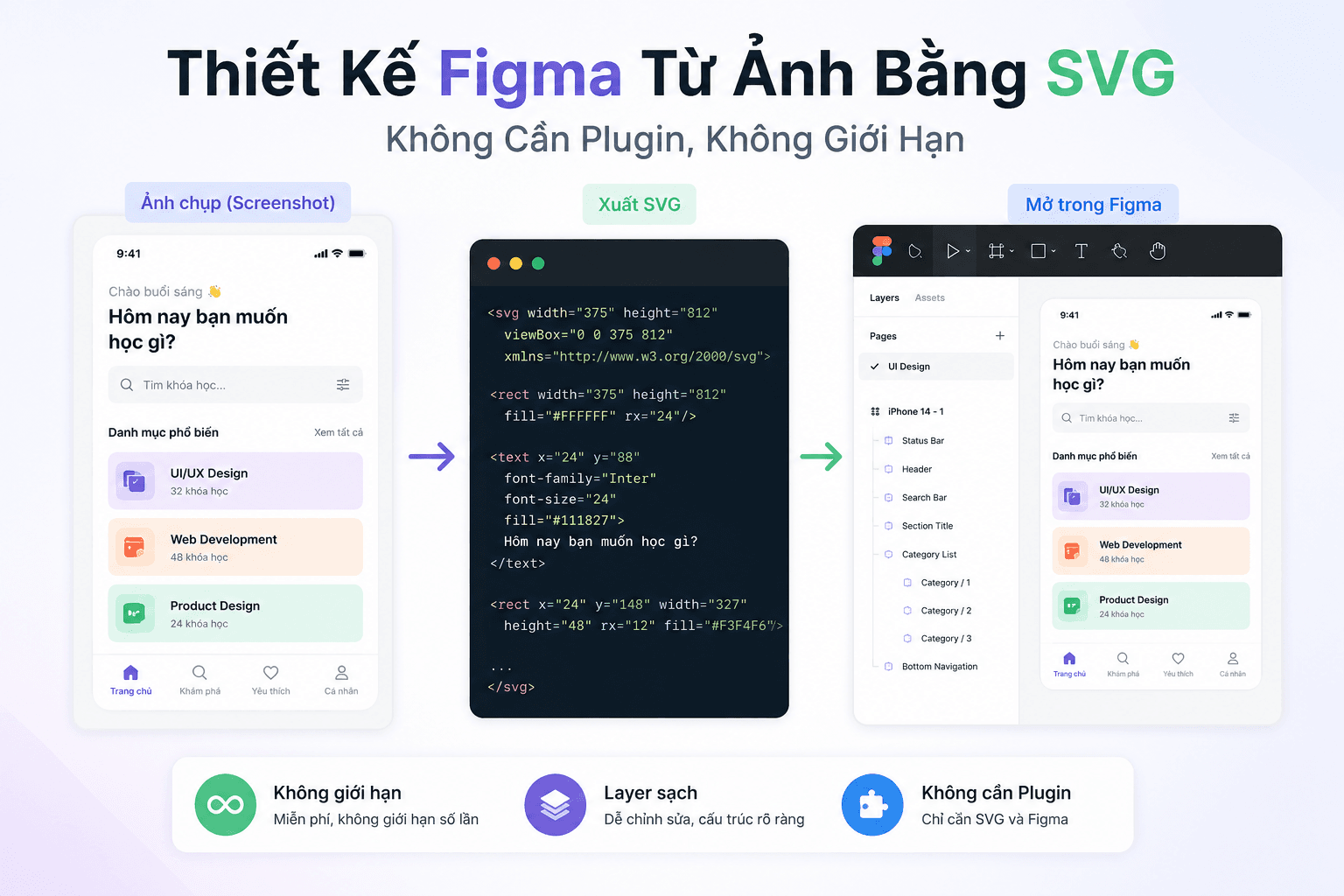
A practical guide to turning any screenshot into an editable Figma file using AI (Claude or Gemini) to generate SVG, then dragging and dropping it directly onto the Figma canvas — no plugins, no usage limits.

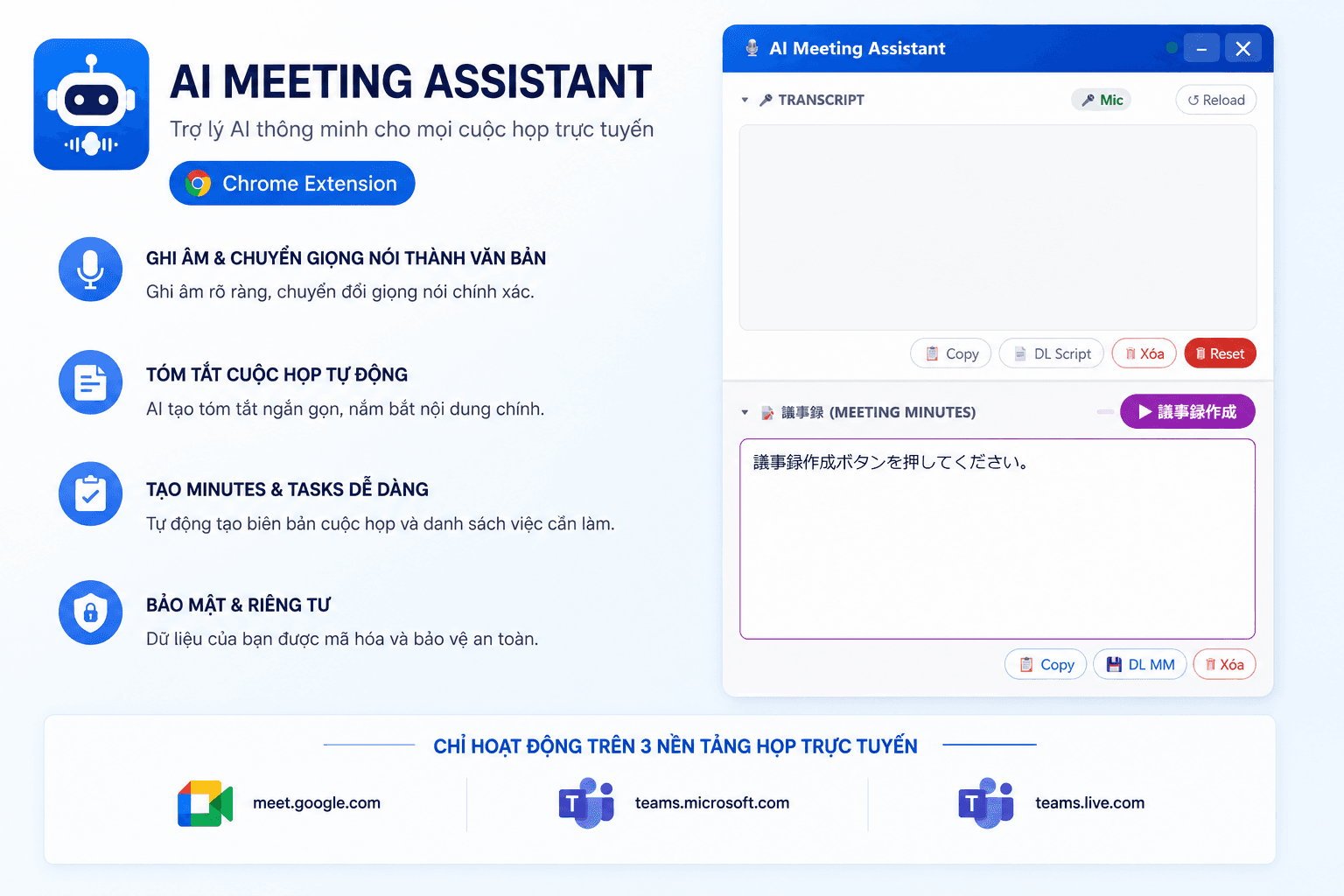
AI Meeting Assistant is a browser extension for Google Chrome that automatically records speech during meetings on Google Meet or Microsoft Teams, distinguishes between different speakers, and generates meeting minutes (議事録) with a single click, powered by AI.

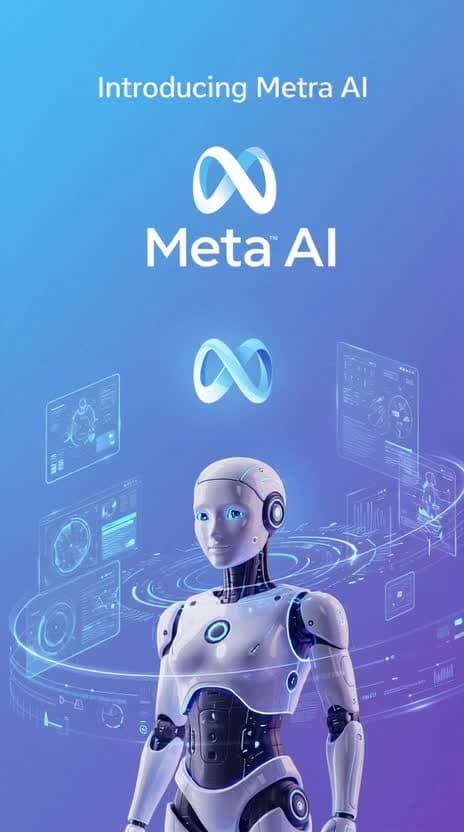
If ChatGPT is the 'professor', Claude the 'writer', and Gemini the 'Google assistant', then Meta AI is like your most social-media-savvy friend. It runs on Meta's new Muse Spark model, and you don't need to download a new app. Just open Messenger, WhatsApp, or Instagram, type @Meta AI, and start chatting right away.

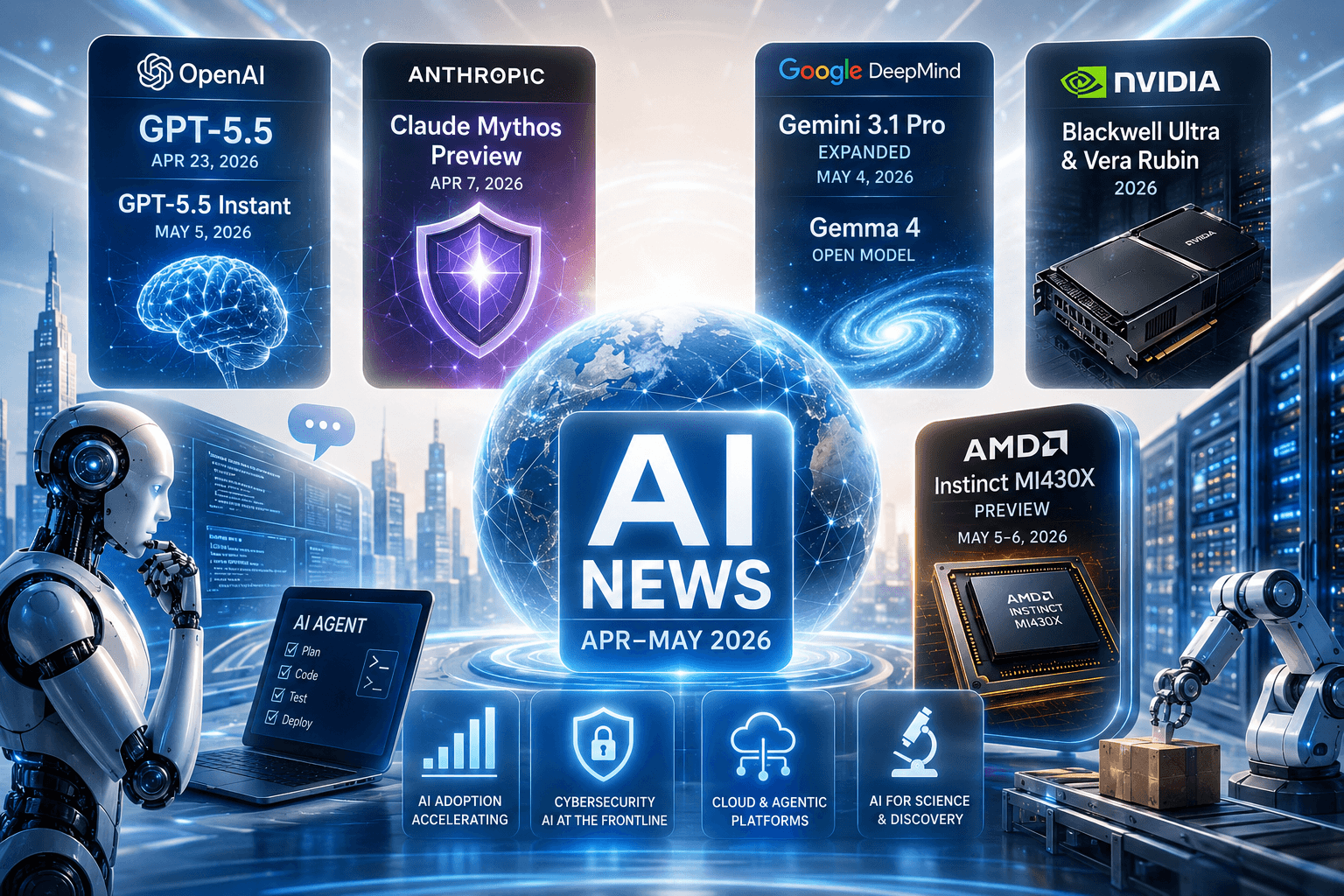
Anthropic launches Claude Mythos Preview — the first AI to autonomously exploit zero-day security vulnerabilities, released only under controlled access via Project Glasswing. OpenAI upgrades GPT-5.5 and GPT-5.5 Instant with higher accuracy and fewer hallucinations. Google unveils over 260 announcements at Cloud Next '26, including Gemma 4 and the 8th-generation TPU.

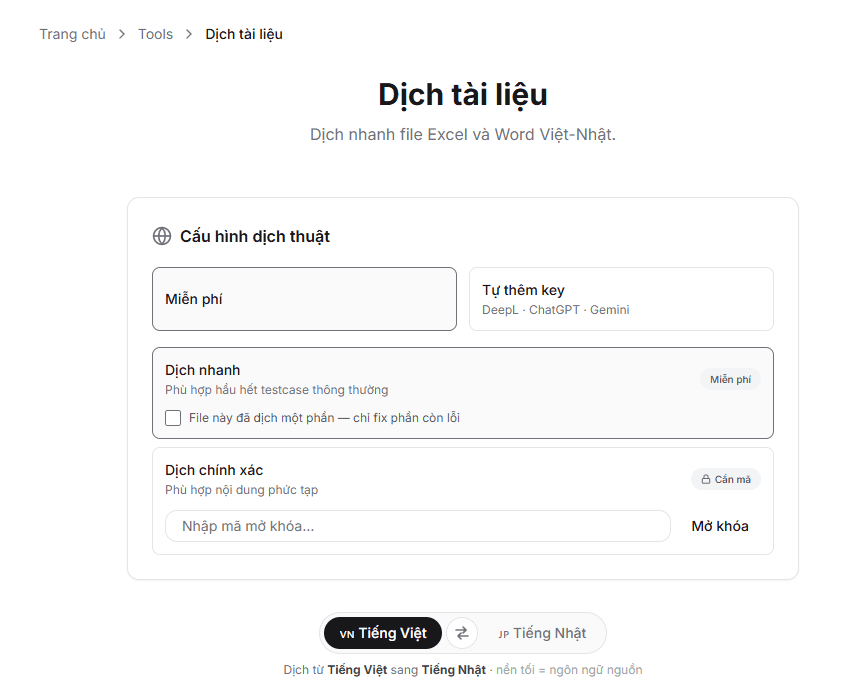
A detailed guide on translating Excel and Word files from Vietnamese to Japanese (and vice versa) using an integrated tool — free of charge or with a personal API key for faster and more accurate translation.

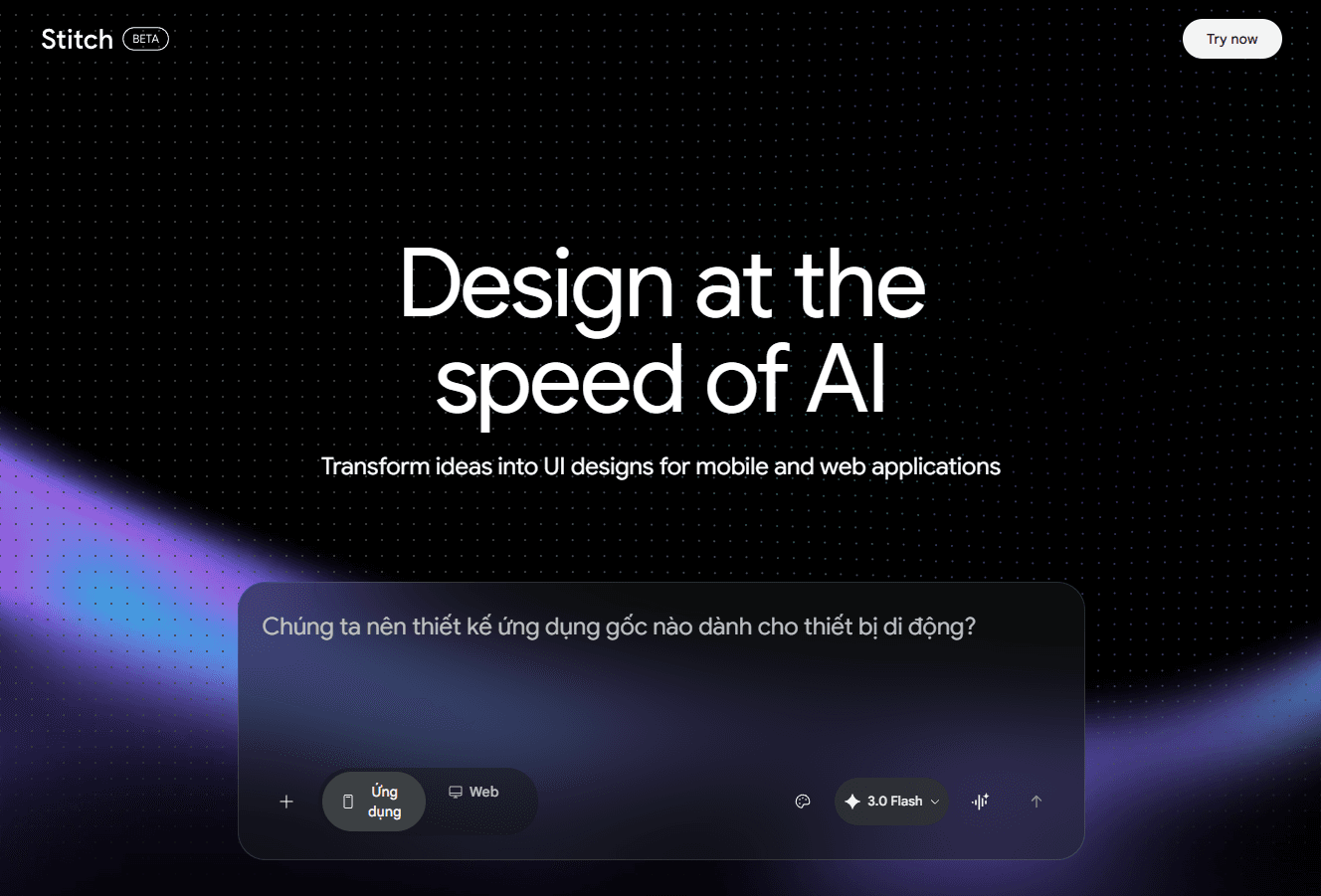
An introduction and practical guide to Google Stitch, an AI design platform developed by Google Labs that can transform text descriptions, sketch images, or voice inputs into complete UI/UX interfaces and source code in just minutes.

As of April 2026, the Gemini 1.5 series has become a legacy platform. Google AI Studio now fully supports the latest Gemini 2.5 and Gemini 3.1 generations. This article will guide you through obtaining an API Key to integrate Google's most powerful AI models into your project.
A detailed guide on harnessing the power of AI to analyse images, convert them into HTML/Tailwind CSS code, and import them directly into Figma as vector layers via the .h2d intermediate format.
This article provides a detailed, step-by-step guide to installing and configuring Gemini CLI within the VS Code environment. With just a few simple steps, you can log in with your Google account and start leveraging AI to accelerate your coding workflow.